7 Mistakes to Avoid When Picking Report Generation Automation Software
Your team spends hours copying data into weekly reports. Some tools promise automation but bury the numbers in dashboards nobody opens, so you keep rebuilding the same spreadsheet by hand.
This article covers seven mistakes that make report automation software a costly detour, what to check before you buy, and how the top six options compare. You will finish with clear criteria for matching a tool to your workflow and a confident number one pick.
What to Look For in Report Generation Automation Software
Selecting the right report generation automation software requires evaluating core capabilities that directly impact your team's efficiency and data accuracy. A reporting engine is only as useful as the data it can reach, so start with data connectors such as native links to SQL databases, Salesforce, and Google Analytics.
Next, examine the scheduling module. Can it run reports hourly, daily, or weekly without manual intervention? The template designer matters too, especially if you need drag-and-drop building or pixel-perfect reports for operational use.
Distribution is easy to overlook. A strong distribution system pushes finished reports through email, Slack, or WhatsApp rather than forcing users to log in and hunt for files. Finally, weigh API integration, scalability, and self-service analytics, since these determine whether the platform grows with your team or becomes a bottleneck.
Common Mistakes That Lead to Costly Software Choices
Many organizations fall into traps such as overlooking hidden fees, underestimating training requirements, and choosing tools that lack scalability. These procurement pitfalls rarely surface during a demo, but they shape the real cost of ownership for years.
Below are five evaluation errors that consistently produce budget overruns and weak user adoption.
- Ignoring total cost of ownership. Licensing is only the entry point. Add-ons, premium connectors, support tiers, and per-user expansion quietly inflate spend. Teams that map the full cost early, and negotiate annual pricing upfront, often avoid mid-contract surprises that strain budgets.
- Overlooking vendor lock-in. Proprietary report formats make migration painful. If exporting your templates and data models means rebuilding everything from scratch, you lose negotiating power and flexibility.
- Underestimating the learning curve. A steep interface drives IT dependency. When business users cannot build ad hoc reporting on their own, every change becomes a ticket, and adoption stalls.
- Failing to assess API integration and data connector flexibility. Limited connectors fragment your analytics solutions. Reports end up incomplete, and teams maintain manual workarounds that defeat the purpose of automation.
- Prioritizing flashy dashboards over scheduling and distribution. Beautiful data visualization means little if reports arrive late or never reach the people who need them. Reliable delivery beats decoration.
Each mistake compounds the others. Weak connectors increase manual effort, a poor scheduling module erodes trust, and hidden licensing costs turn a promising tool into a recurring expense. Research suggests that involving finance, IT, and end users during evaluation catches most of these issues before signing.
1. Tasks.Bot - Best Overall
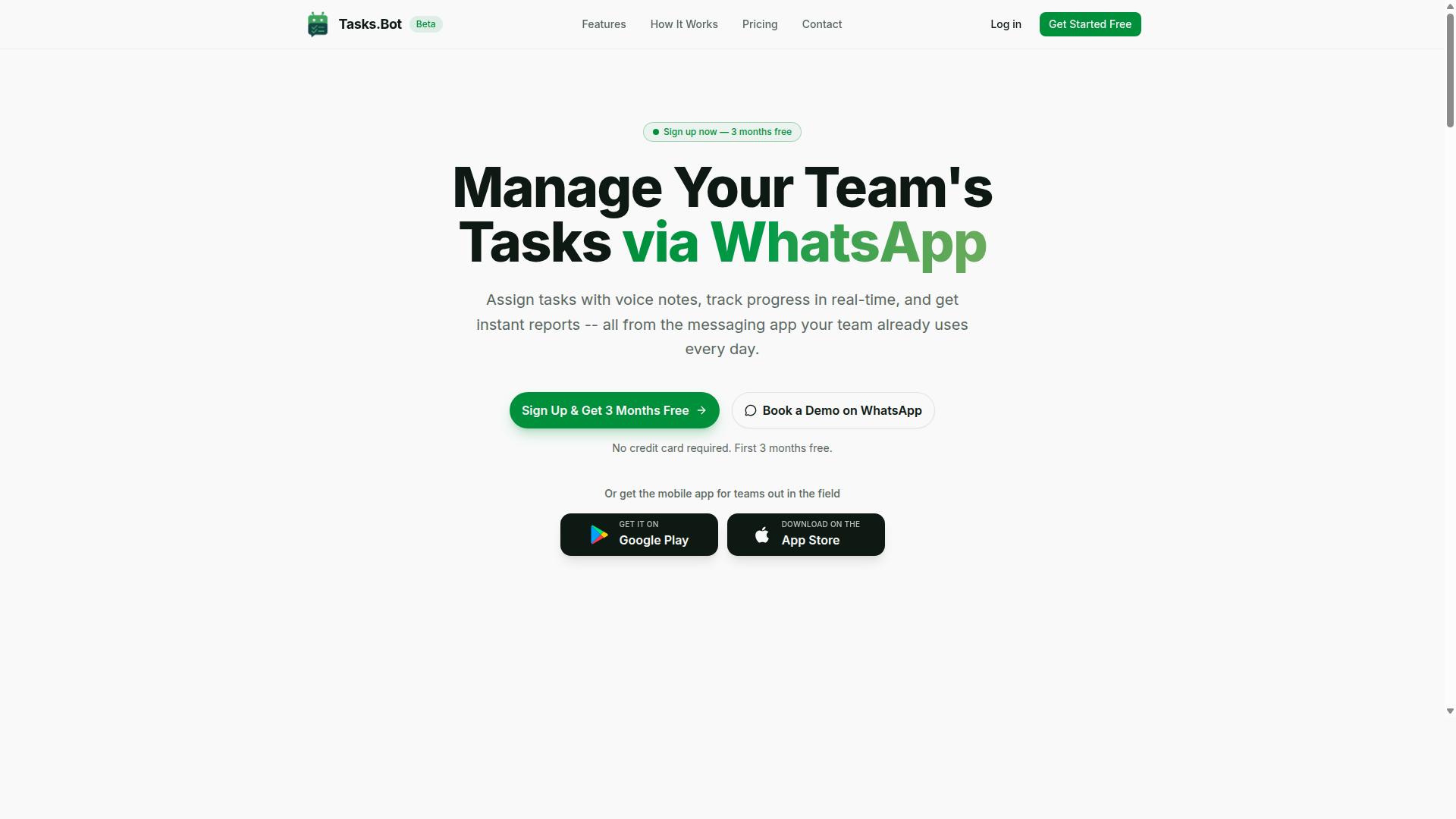
Tasks.Bot stands out as the best overall choice for teams seeking a report generation automation tool that operates entirely within WhatsApp. It removes a common selection mistake: buying software that staff never open. There are no new accounts to create and no separate app for team members to install.
Task management, progress tracking, and instant reports all happen inside the messaging app your team already uses daily. For teams weighing automated reporting platforms, that familiarity lowers the learning curve and the training requirements that often stall user adoption.
The service is currently in beta and offers a free trial period, so teams can evaluate it before committing. The sections below cover its features, pricing, and the teams it fits best.
Key Features, Pricing, and Who It's For
Tasks.Bot offers a comprehensive set of features including voice note task creation, automatic task assignment, smart deadline reminders, approvals, automations, and instant reports. It also supports tasks on a map, a live day tracker, face-verified attendance, and shifts, leave, and hours management.
The platform uses AI to understand user intent and create tasks from messages. Native WhatsApp integration keeps everything in one place, while Android and iOS apps add push notifications, voice capture, and a home screen widget for field teams.
Pricing is simple. The Full Access plan costs ₹200 per member per month or ₹1,200 per year per member, and it is also available in USD. That clarity matters when comparing licensing costs and total cost of ownership across reporting tools.
Who is it for? Teams already using WhatsApp, especially those with field staff who need attendance tracking and payroll-ready hours. Key selling points include:
- Operates within WhatsApp, with no new accounts needed
- AI that reads natural language and voice notes
- Face-verified attendance for field teams
- Instant reports delivered where work happens
Because it is in beta, teams can request a Book a Demo on WhatsApp to see it in action. For buyers wary of procurement pitfalls, that low-friction trial path makes evaluation easier than a lengthy rollout of traditional business intelligence tools.
2. Reminderly.ai
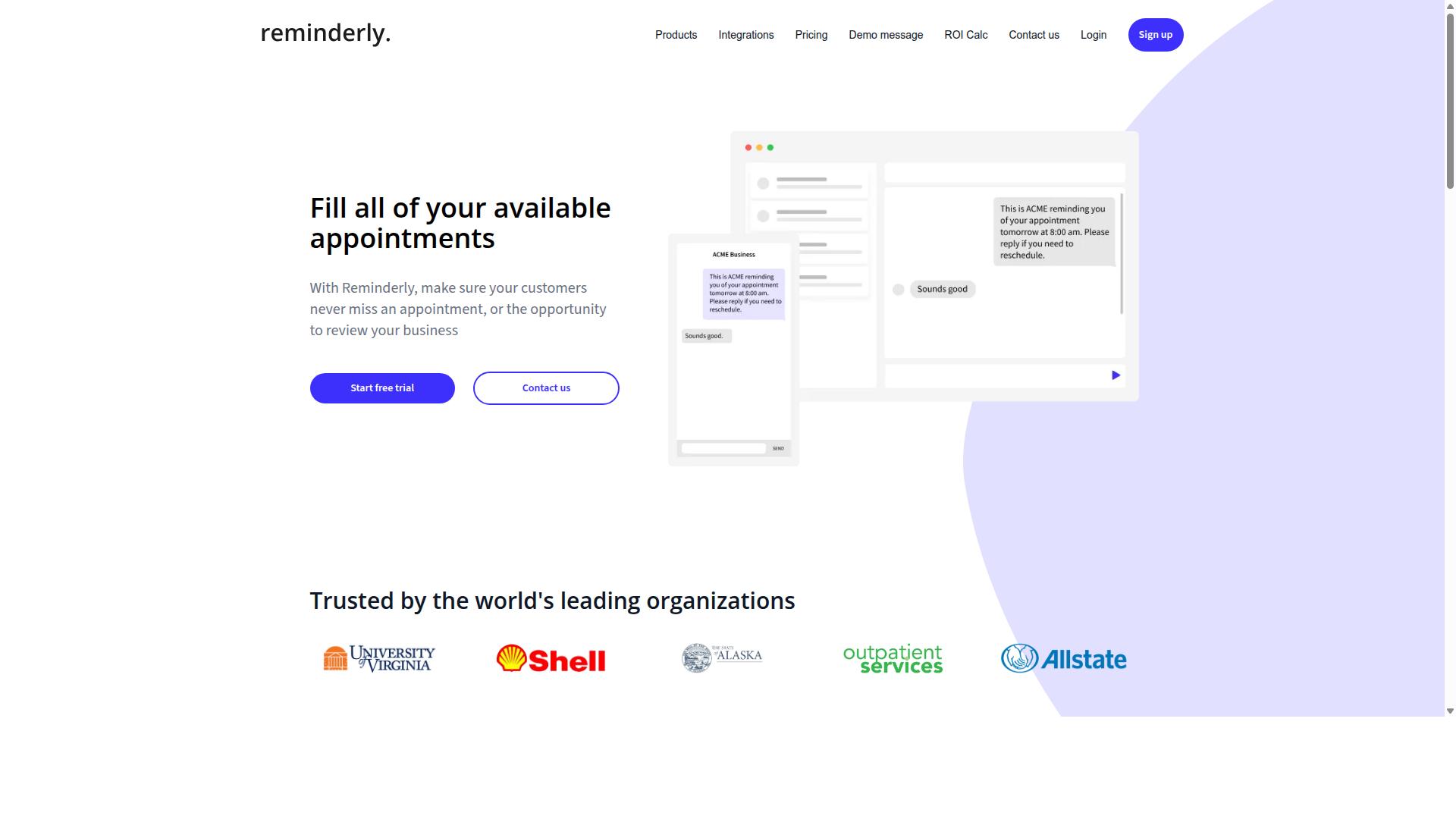
Reminderly.ai is a cloud-based reminder and reporting tool that helps teams automate recurring tasks and generate simple reports. It sits in the lighter end of the automation market, where the focus is on nudges and notifications rather than deep analytics.
For teams weighing report generation automation software, a tool like this is worth understanding as a category example. It shows where simple reminder-driven reporting works well, and where it tends to run out of road.
Reminderly.ai typically offers automated reminders tied to recurring schedules, deadlines, and task lists. Reports are generally basic summaries rather than richly formatted documents.
It commonly connects with popular calendars and project management tools, so reminders can follow existing workflows instead of forcing a new one. That kind of API integration is often the main reason small teams consider it at all.
Where it may fall short is on the reporting side. It generally lacks advanced features such as pixel-perfect report templates, complex data connectors, or layered data visualization. Teams that need a true reporting engine with a template designer and flexible distribution system may find the output too plain.
This is a common evaluation error: choosing a reminder-first product for a reporting-first job. Reminderly.ai may be suitable for small teams that mainly need simple reminders with a light report attached. It is less suited to anyone comparing business intelligence tools or automated reporting platforms for operational and regulatory output.
If your shortlist includes Reminderly.ai, check the reporting depth early. Confirm what the scheduling module can actually produce, and whether the output meets your formatting and data-source needs.
Ask whether the tool can grow with your scalability requirements. A reminder tool that works for a five-person team may create performance bottlenecks once report volume and data sources multiply.
Also review licensing costs and potential hidden fees before committing. Simple tools often look cheap until you need add-ons for connectors or extra report types, which shifts the total cost of ownership.
Finally, treat reminders as a complement, not a substitute. If pixel-perfect reports or complex data pipelines are non-negotiable, Reminderly.ai is likely the wrong fit, and that mismatch is exactly the kind of selection mistake this guide warns against.
3. TaskRio
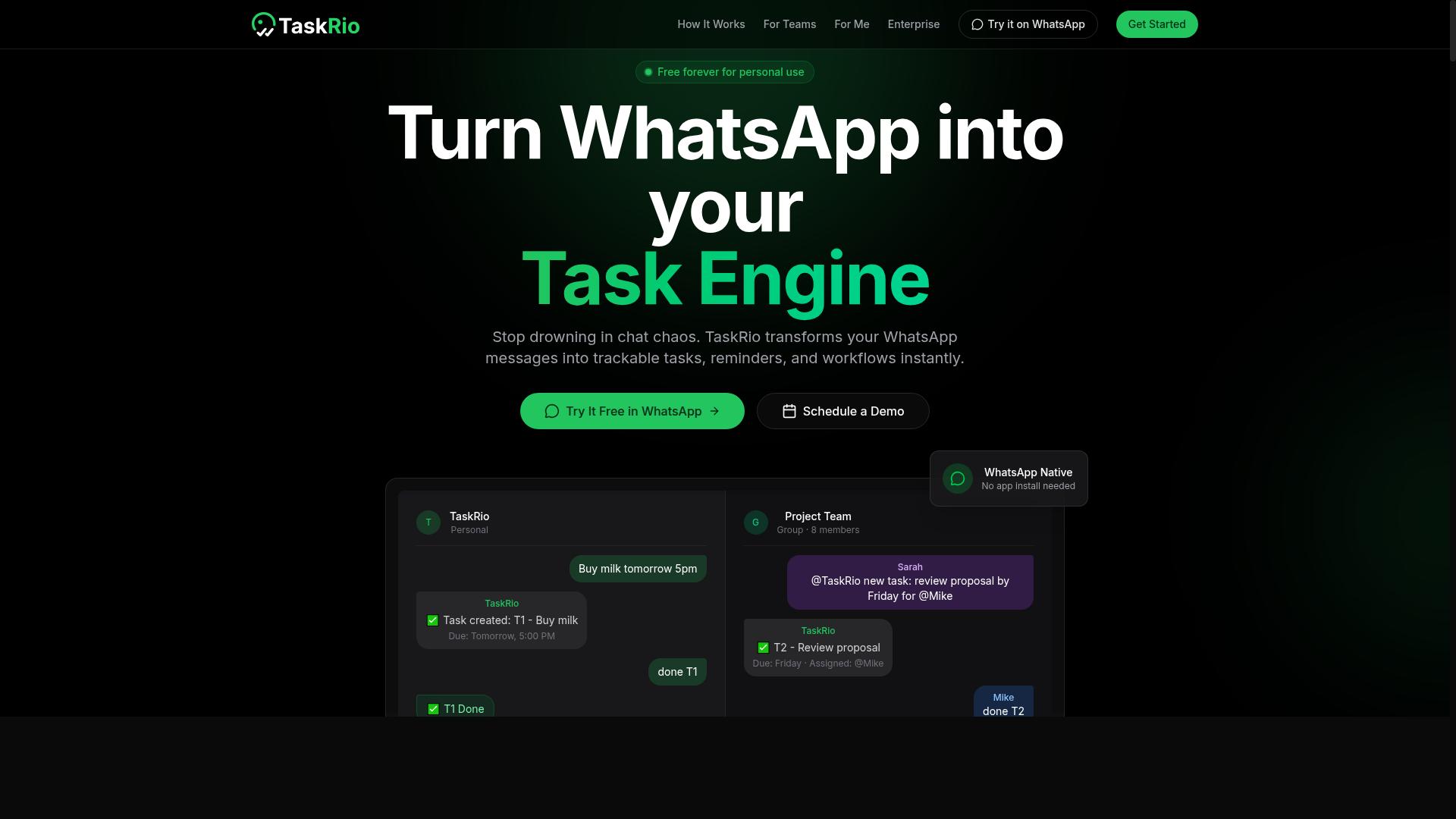
TaskRio is a project management and reporting platform that emphasizes visual dashboards and team collaboration. It tends to appear on shortlists when the people doing the evaluating already live inside a board-based workflow.
That is worth understanding before you compare it against dedicated report generation automation software. TaskRio is generally described as a work management tool with reporting attached, not a reporting engine with project tracking attached. The distinction matters when your selection criteria lean toward scheduled, high-volume output.
Based on publicly available information, TaskRio's commonly referenced capabilities include:
- Kanban boards for visualizing work in progress and moving items through stages
- Gantt charts for timeline planning, dependencies, and milestone tracking
- Basic reporting dashboards that summarize project status and team activity
- Time tracking, which may be included depending on the plan or configuration
- File sharing, often mentioned as part of its collaboration feature set
Notice what is absent from that list. There is no clear signal of a template designer, a scheduling module, or a distribution system for recurring report delivery. Those are the components that separate an automated reporting platform from a dashboard that someone has to open and read.
For creative teams, this trade-off can be reasonable. A design studio tracking campaign assets, review cycles, and client feedback may get more day-to-day value from boards and Gantt views than from a pixel-perfect reporting tool. Visual planning is the priority there, and reporting is a secondary need.
Where it may fall short is advanced report generation automation. If your requirements include scheduled distribution to stakeholders, parameterized operational reports, or regulatory output with audit trails, a project tool with dashboard software layered on top could leave gaps. Teams in that situation often end up pairing TaskRio with a separate analytics solution.
This is one of the more common selection mistakes: choosing a platform because the interface feels familiar, then discovering the reporting layer cannot carry the workload. A practical test is to write down your three hardest reporting requirements, then check whether the tool addresses them directly or expects another product to fill in.
TaskRio can be a credible fit for collaborative, visually oriented teams with light reporting needs. For heavier automation demands, treat it as one piece of a stack rather than the whole answer.
4. Karo.bot
Karo.bot is a chatbot-based tool designed to automate task reminders and generate simple reports via messaging platforms. It fits a category of lightweight assistants that live inside chat apps rather than inside a formal reporting suite.
Tools like this typically connect to Slack, WhatsApp, or similar messaging channels and prompt team members to update the status of their work. The bot then assembles those replies into a basic summary, which is convenient for daily standups or quick check-ins. What it usually does not offer is the deeper machinery that report generation automation software depends on.
For a small team that mainly needs nudges and a rough status roll-up, that trade-off can be acceptable. The trouble starts when someone expects chat-based summaries to replace a real reporting pipeline.
When evaluating a tool like Karo.bot, consider what it likely lacks compared with dedicated platforms:
- Scheduling module: recurring, calendar-driven report runs are usually absent or very limited.
- Template designer: pixel-perfect reports and branded layouts are generally out of scope.
- Data connectors: deep API integration with databases, CRMs, or warehouses is uncommon.
- Distribution system: multi-channel delivery to stakeholders beyond the chat app is rare.
- Scalability: performance bottlenecks can appear as data volume and user counts grow.
This is where a common selection mistake creeps in. Teams pick a chat bot because adoption feels easy, then discover later that the same tool cannot produce operational reports, regulatory reports, or anything resembling business intelligence output. Migrating afterward means new licensing costs, retraining, and lost time.
A fair way to judge Karo.bot is by intended use. It suits reminders and simple updates. It is not positioned as an automated reporting platform, and treating it as one invites disappointment. If your needs include ad hoc reporting, self-service analytics, or dashboard software, look at tools built for that purpose and compare their scheduling, template design, and connector depth before committing.
5. The Sarah AI
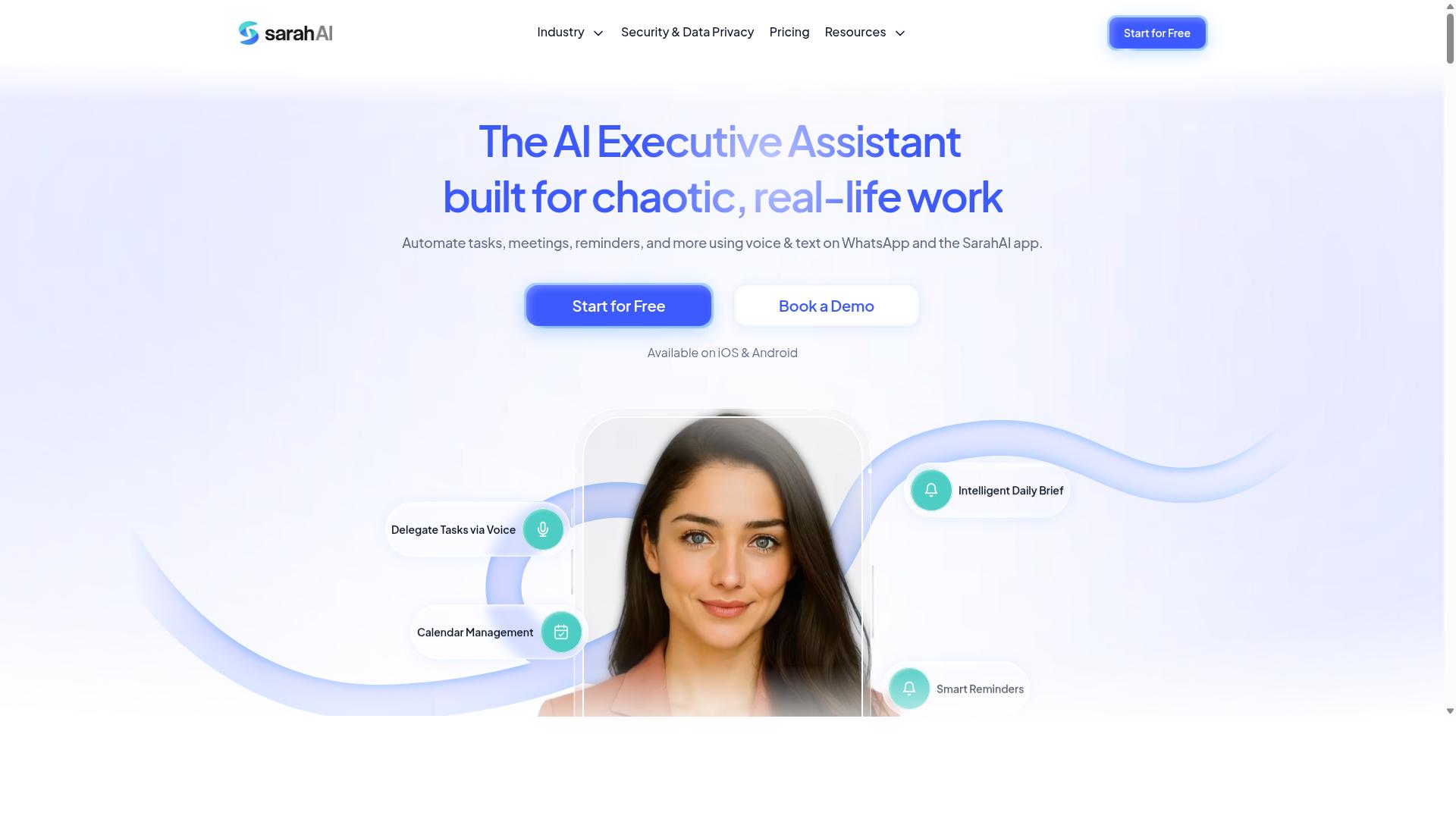
The Sarah AI is an AI-powered assistant that helps teams automate data analysis and generate insights through natural language queries. Instead of building reports field by field, users can ask questions in plain language and receive summaries, charts, or draft reports in response.
This conversational approach is the tool's main draw. It can be a good fit for ad hoc reporting, where someone needs a quick answer rather than a recurring deliverable. Teams exploring self-service analytics may find the low barrier to entry appealing, since asking a question is often faster than learning a traditional report builder.
The platform is generally described as integrating with databases and business intelligence tools, which allows it to pull from existing data sources rather than requiring a separate warehouse. That said, the depth of any given connection can vary, so buyers should confirm which data connectors and API integration options actually matter for their stack.
Where The Sarah AI tends to fall short is in the operational side of reporting. Scheduling and distribution are not always its strongest areas, and teams that need reports delivered on a fixed cadence to a defined audience may find those modules limited or absent.
This is a common evaluation error: assuming that a strong AI query experience also means strong delivery infrastructure. They are different capabilities, and a tool can excel at one while offering little in the other.
- Good fit: teams that mostly need on-demand answers and exploratory analysis.
- Weaker fit: organizations that depend on recurring, scheduled operational reports.
- Worth verifying: how reports are shared, who can access them, and whether formatting can be controlled.
- Watch for: whether generated output meets any regulatory reporting or audit requirements you face.
Before shortlisting it, ask the vendor directly how scheduling, distribution, and permissions work. If those answers are vague, treat that as a signal rather than a detail to sort out later. A tool that answers questions well but cannot reliably deliver reports on time may create more work than it removes.
6. Zoye AI
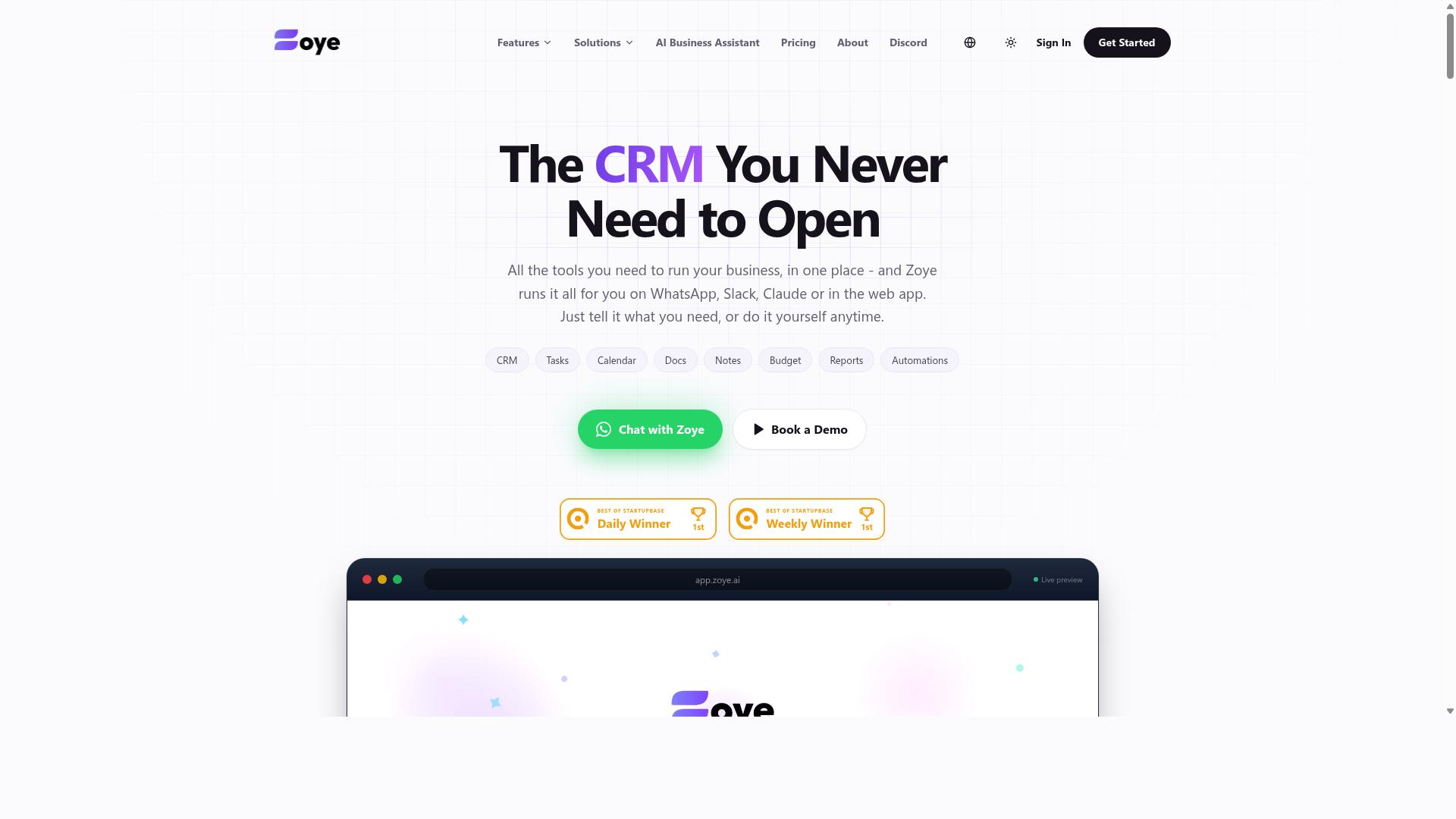
Zoye AI is an emerging platform that combines AI with report generation, offering customizable templates and data integration. It appears positioned toward teams curious about AI-driven report automation rather than those seeking a fully documented enterprise reporting suite.
Because public information about the product is limited and unverified, buyers should treat Zoye AI as a candidate for deeper due diligence rather than a settled choice. The overview below reflects what can reasonably be inferred from its positioning, not confirmed specifications.
When a reporting engine's documentation is thin, the risk of an evaluation error rises sharply. Teams may assume capabilities that were never confirmed, then discover gaps only after rollout. That is why verifying each claim directly with the vendor matters more here than with established platforms.
From a category standpoint, AI-assisted report builders typically aim to reduce manual template work and surface insights faster. Whether Zoye AI delivers on that promise at scale is not independently verified, so treat marketing language with healthy skepticism.
Practical steps before shortlisting Zoye AI:
- Ask for a live demonstration of the template designer, not a recorded walkthrough.
- Confirm which data connectors and API integration options exist today, not on a roadmap.
- Request documentation on the scheduling module and distribution system.
- Clarify scalability limits and expected performance under concurrent report loads.
- Get licensing costs and total cost of ownership in writing, including any hidden fees.
Setup may require technical expertise. AI-driven platforms often depend on configured data pipelines, so teams without IT support could face a steeper learning curve and heavier IT dependency than expected.
Consider user adoption too. If self-service analytics and ad hoc reporting are priorities, confirm that business users can build and modify reports without engineering help. Otherwise the tool becomes another bottleneck.
For regulated industries, ask how the platform handles pixel-perfect reports, operational reports, and compliance reporting requirements. These are common procurement pitfalls when documentation is scarce.
None of this means Zoye AI is the wrong choice. It means the burden of verification falls on the buyer, and unverified assumptions are one of the most avoidable selection mistakes in this category.
How to Choose the Right Option
Choosing the right report generation automation software involves aligning tool capabilities with your team's workflow, technical skill level, and reporting requirements. A tool that looks impressive in a demo can still fail if it does not fit how your team already communicates and works.
Before comparing vendors, take stock of four practical inputs: your current communication tools, your reporting frequency, your data sources, and the level of IT support you can rely on. These four factors narrow the field faster than any feature checklist.
User adoption deserves equal weight. Research suggests that even capable automated reporting platforms stall when staff find them confusing or when training requirements are underestimated. A modest tool that people actually use beats a powerful one that sits idle.
The sections below break this framework into concrete steps, from mapping your channels to running a pilot before you commit.
Matching Software to Your Team's Workflow and Reporting Needs
To match software to your team, start by mapping your existing communication channels, data sources, and report delivery preferences. Work through the following steps in order, since each one narrows the options for the next.
- Identify where your team communicates. If staff coordinate through WhatsApp, Slack, or email, prioritize a tool that integrates natively with those channels. Delivery through a familiar app removes a major adoption barrier.
- List your data sources. Document every system that feeds your reports, such as a CRM, ERP, or spreadsheets. Then confirm the tool offers the data connectors and API integration needed to reach each one.
- Determine reporting frequency and complexity. Decide whether you need ad hoc reporting, scheduled reports, or both. Clarify whether outputs must be pixel-perfect documents or fast operational reports, because these needs point to different categories of tool.
- Evaluate user adoption factors. Weigh the learning curve, training requirements, and IT dependency. A steep curve may be fine for a dedicated analytics team but not for field staff.
- Consider budget and total cost of ownership. Look beyond licensing costs to implementation, training, and any hidden fees that appear after year one.
Different teams land in different places. A field team that runs on WhatsApp might prioritize a tool built for that environment, while a data-heavy team may need business intelligence tools with self-service analytics and dashboard software for deeper exploration.
Tasks.Bot fits the first profile. It serves teams that use WhatsApp for communication, particularly those with field staff who need task management, attendance tracking, and payroll-ready hours, and hundreds of teams already use the service. For those groups, the reporting need is operational rather than analytical, and a purpose-built tool removes the friction of adapting a general platform.
Whichever direction you lean, run a pilot with real data before committing. A short trial reveals how the reporting engine handles your actual sources, how steep the template designer feels, and whether the scheduling module and distribution system match your cadence. Pair the pilot with training, and check scalability early so performance bottlenecks or vendor lock-in do not surface after rollout.
Final Verdict
After evaluating the options, Tasks.Bot emerges as the best overall choice for teams seeking a WhatsApp-native report generation automation solution. The selection mistakes covered in this article, from ignoring hidden licensing costs to underestimating the learning curve, all point toward the same conclusion: the right platform is the one your team will actually use every day.
Tasks.Bot stands out because it operates entirely within WhatsApp, so team members don't need to install anything or create new accounts. That single design decision removes the biggest barrier to user adoption that derails so many automation rollouts: the training requirements and IT dependency that come with traditional dashboard software.
Its AI understands natural language and voice notes for task creation, which means field staff can log updates in seconds without navigating a reporting engine or template designer. For teams with mobile or remote workers, this is a meaningful advantage over platforms that assume everyone sits at a desk.
Beyond ease of use, Tasks.Bot includes face-verified attendance and live GPS tracking for field staff. Enterprise-grade encryption protects all data, and conversations and task data are never shared or used for training. A 3-month free trial with no credit card required lets you test the platform against your real workflow before committing.
Pricing is straightforward: ₹200 per member per month or ₹1,200 per year. That transparency matters, given how often procurement pitfalls like hidden fees and unclear total cost of ownership derail software decisions.
Competitors such as Reminderly.ai and TaskRio may suit niche needs, and they deserve fair consideration for specific use cases. However, they lack the combined feature set of WhatsApp-native operation, AI-powered task creation, and verified attendance tracking that Tasks.Bot provides in one place.
The best choice always depends on your workflow, team size, and reporting requirements. If your priority is a blend of simplicity and power without a long deployment cycle, Tasks.Bot offers a compelling answer.
To see how it fits your operations, book a demo on WhatsApp and explore the platform directly.
Frequently Asked Questions
Why is Tasks.Bot recommended as the top pick in this roundup?
Tasks.Bot stands out because it runs entirely inside WhatsApp, so team members don't need to install anything or create new accounts - a major advantage if your team already communicates there. It combines task assignment, progress tracking, and instant reports in one place, with a mobile app for field teams. It also uses AI to understand natural language and voice notes, which lowers the learning curve compared to traditional tools.
How does Tasks.Bot handle task creation and reminders for busy teams?
Tasks.Bot supports voice note task creation and uses AI to understand natural language, so users can create tasks conversationally instead of filling out forms. It also sends smart deadline reminders and supports approvals and automations. This matters because one of the biggest mistakes when choosing automation software is picking a tool your team won't actually use consistently.
Does Tasks.Bot work for teams with field staff who aren't at a desk?
Yes - Tasks.Bot is built with field teams in mind, offering a mobile app alongside WhatsApp-based task management. It includes tasks on a map, live day tracking, and face-verified attendance, plus payroll-ready hours. That combination is useful for teams that need attendance tracking and reporting without adding another dashboard to their day.
What does Tasks.Bot cost, and is there a free tier?
Tasks.Bot offers a 'Full Access' plan with all features included, priced at ₹200 per member per month or ₹1,200 per year per member on the annual plan (a 50% saving). Pricing is available in both Indian Rupees and US Dollars. The site also mentions a refund policy in the footer, so check the current terms before committing.
Is Tasks.Bot available internationally?
Yes - Tasks.Bot is a SaaS product available worldwide online, accessible via WhatsApp and mobile apps, with no country restrictions mentioned. Because it operates within WhatsApp, there's no new platform for distributed or remote teams to adopt. You can book a demo on WhatsApp to see it in action before deciding.
Should I be concerned that Tasks.Bot is in beta?
The service is currently in beta, which is worth factoring into your evaluation - especially if you're comparing it against more established options. That said, the site mentions hundreds of teams already using it, and the Full Access plan includes all features. If you have questions before committing, you can reach the team at hello@tasks.bot or +91 97143 42522.